

Common WiFi Problems and How to Fix Them Efficiently
Table of contents:
• Facing common WiFi problems everyday
• Identifying Common WiFi Problems
• Effective Solutions to WiFi Problems
• Conclusion
Facing common WiFi problems everyday
In today’s digital age, reliable WiFi has become an essential part of modern homes. Whether it’s for remote work, online learning, streaming entertainment or staying connected with loved ones, a strong and stable WiFi connection is crucial. However, many households face common WiFi problems that can disrupt their daily activities and cause frustration.
At Home WiFi Solutions, we understand the challenges of maintaining a seamless internet connection. With years of expertise in resolving WiFi issues, we provide innovative and effective solutions to ensure your home network operates smoothly. From addressing dead zones to optimizing network performance, Home WiFi Solutions is your trusted partner in achieving reliable and efficient connectivity.
Identifying Common WiFi Problems
Slow Internet Speeds
- Description of Symptoms and Causes: Slow internet speeds can manifest as buffering videos, laggy online games, and prolonged loading times. Common causes include bandwidth congestion, outdated hardware, and interference from other electronic devices.
- Potential Solutions:
- Upgrade your router to a newer model.
- Use Home WiFi Solutions’ powerline adapters to extend coverage without signal loss.
- Optimize router placement to reduce interference.
WiFi Dead Zones
- Explanation of What Dead Zones Are and How They Occur: WiFi dead zones are areas in your home where the WiFi signal is weak or nonexistent. They typically occur due to physical obstructions like walls and floors, or because the router’s range is insufficient.
- Potential Solutions:
- Implement Home WiFi Solutions’ Mesh WiFi Systems to ensure seamless coverage throughout your home.
- Add wired access points to provide stable connections in hard-to-reach areas.
Interference from Other Devices
- How Electronic Devices Can Interfere with WiFi Signals: Devices such as microwaves, cordless phones, and Bluetooth gadgets can disrupt WiFi signals, leading to connectivity issues.
- Potential Solutions:
- Keep your router away from electronic devices that cause interference.
- Use dual-band routers from Home WiFi Solutions to separate and manage traffic efficiently.
Overloaded Network
- Problems Caused by Too Many Devices on the Same Network: When too many devices are connected to a single network, it can lead to bandwidth congestion, causing slow speeds and connectivity issues.
- Potential Solutions:
- Upgrade to Home WiFi Solutions’ Mesh WiFi Systems, which can handle multiple devices without compromising speed.
- Monitor and manage network traffic to ensure optimal performance for critical devices.
Outdated Equipment
- The Impact of Using Old Routers and Modems: Older routers and modems may not support the latest WiFi standards, resulting in slower speeds and unreliable connections.
- Potential Solutions:
- Replace outdated equipment with the latest models offered by Home WiFi Solutions.
- Regularly update the firmware on your devices to ensure they operate at peak performance.
Effective Solutions to WiFi Problems
Upgrade Your Router
- Benefits of Using the Latest Router Technology: Newer routers offer faster speeds, better range, and improved handling of multiple devices. They support the latest WiFi standards, which provide enhanced performance and security.
- Recommendations from Home WiFi Solutions: We offer a range of advanced routers designed to meet the needs of modern households. Our routers are equipped with the latest technology to ensure fast and reliable connections.
Optimize Router Placement
- Tips for Ideal Router Placement to Maximize Coverage: Place your router in a central location, elevated off the ground, and away from obstructions. Avoid placing it near electronic devices that can cause interference.
- Practical Advice from Home WiFi Solutions: Our experts can help you determine the best placement for your router to ensure optimal coverage throughout your home.
Use Powerline Adapters
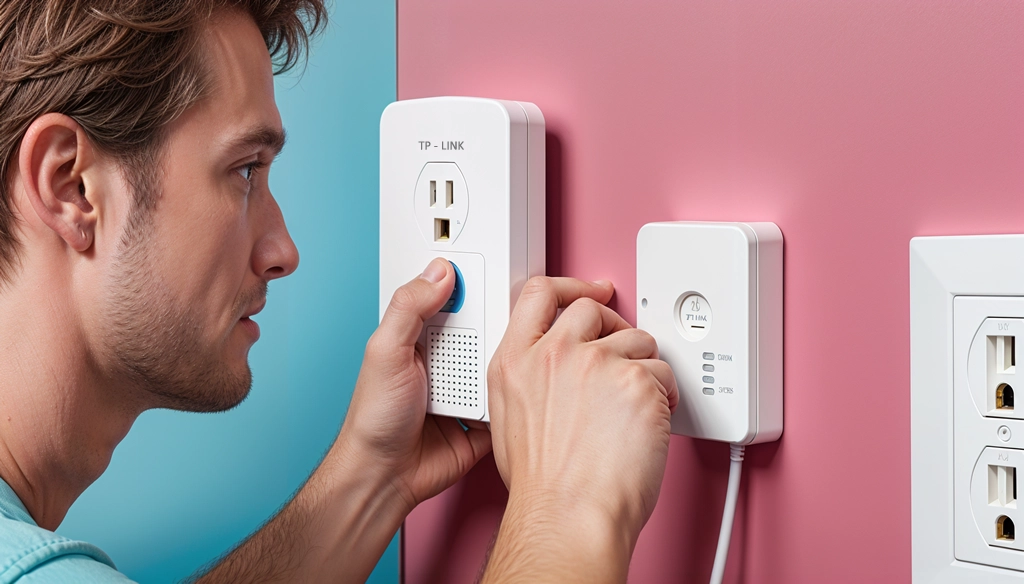
- Explanation of How Powerline Adapters Work: Powerline adapters use your home’s electrical wiring to extend your WiFi network to areas with weak signals. They provide a reliable and fast connection without the need for additional cabling.
- Benefits and Product Recommendations from Home WiFi Solutions: Our powerline adapters are easy to set up and offer flexible solutions for extending WiFi coverage. They are perfect for areas where running new cables is impractical.
Implement Mesh WiFi Systems
- Description of Mesh WiFi Systems and Their Advantages: Mesh WiFi systems consist of multiple units that work together to create a seamless network. They eliminate dead zones and provide consistent coverage throughout your home.
- How Home WiFi Solutions’ Mesh WiFi Systems Can Help: Our mesh WiFi systems are designed to offer easy setup and scalability. They ensure seamless roaming and automatic optimization for the best possible connection.
Add Wired Access Points
- Benefits of Wired Access Points for Stable Connections: Wired access points provide high-speed Ethernet connections, reducing latency and interference. They are ideal for areas with high bandwidth demands, such as home offices or entertainment rooms.
- Home WiFi Solutions’ Offerings and Setup Tips: We offer a variety of wired access points that are easy to install and configure. Our team can provide guidance on the best solutions for your specific needs.
Reduce Interference
- How to Minimize Interference from Other Devices: Keep your router away from electronic devices like microwaves, cordless phones, and Bluetooth devices. Use dual-band or tri-band routers to separate traffic and reduce congestion.
- Practical Steps and Product Recommendations: Our dual-band and tri-band routers are designed to handle interference effectively. We can help you identify sources of interference and recommend the best products to minimize their impact.
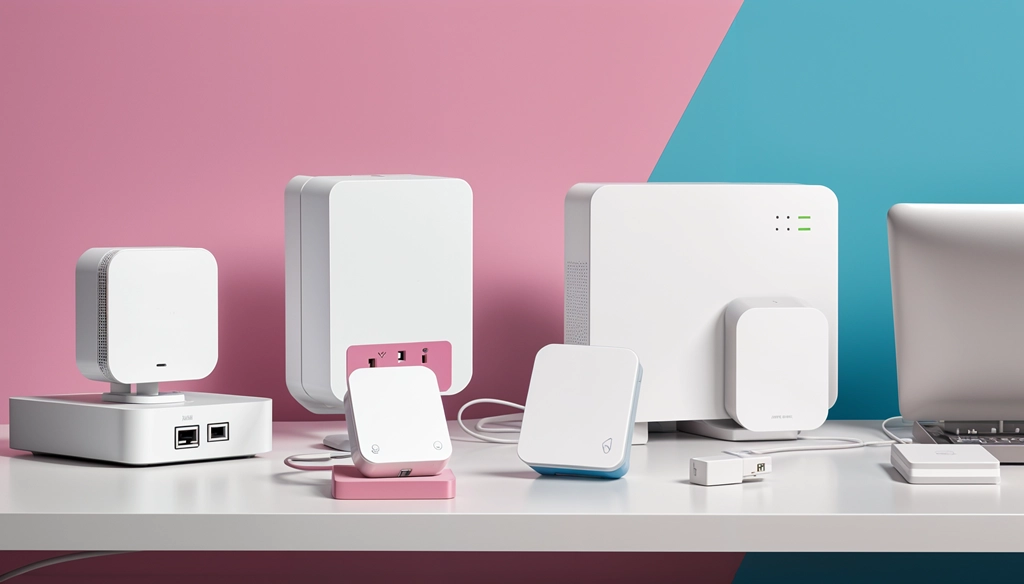
Seamless connectivity for work, entertainment and communication!
In summary, common WiFi problems such as slow internet speeds, dead zones, interference from other devices, overloaded networks and outdated equipment can significantly impact your online experience. However, these issues can be efficiently addressed through solutions like upgrading your router, optimizing router placement, using powerline adapters, implementing mesh WiFi systems, adding wired access points and reducing interference.
A reliable WiFi connection is essential for modern living, ensuring seamless connectivity for work, entertainment and communication. Home WiFi Solutions is dedicated to providing innovative products and expert services to help you achieve optimal WiFi performance in your home.
Call to Action
For personalized assistance and to explore our range of products, contact Home WiFi Solutions today. Visit our website and check out our product pages to find the perfect solutions for your WiFi needs.