
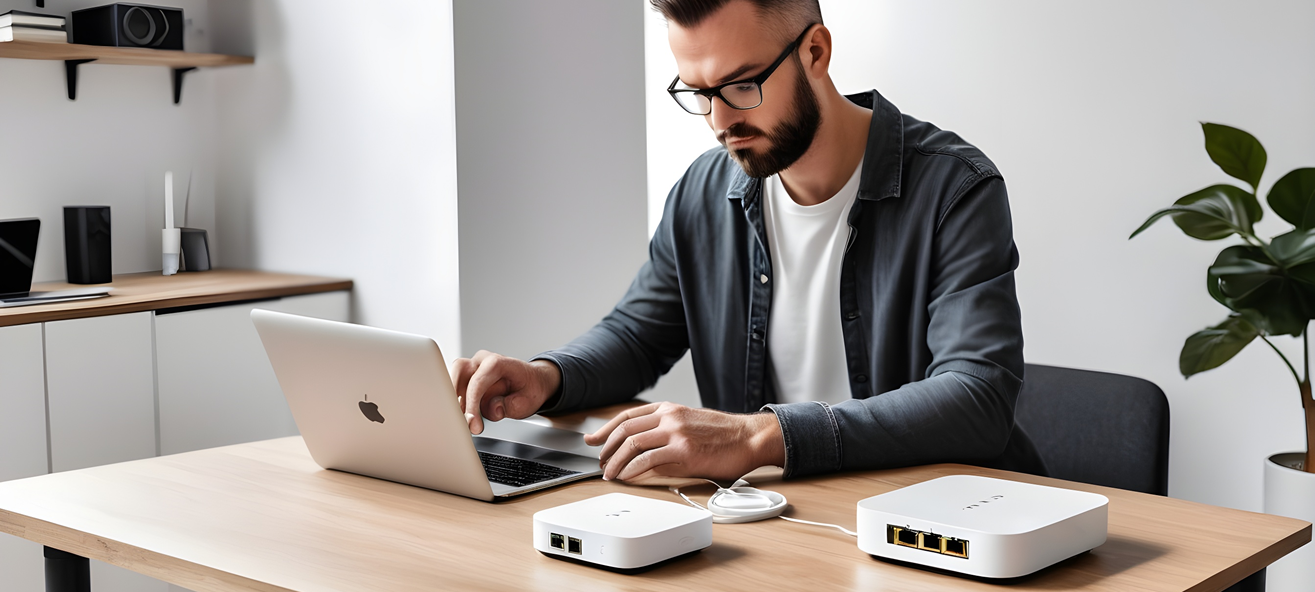
Top Tips for Improving WiFi Speed and Performance in Your Home
Table of contents:
• Introduction to Top Tips for Improving WiFi Speed and Performance in Your Home
• Upgrade Your Equipment
• Optimize Router Placement:
• Reduce Interference
• Regular Maintenance
• Conclusion
In the modern age of connectivity, fast and reliable WiFi has become an indispensable necessity in our homes. Whether it’s streaming movies, gaming online or conducting video calls, virtually every aspect of our daily lives relies on a robust internet connection. However, despite the advancements in technology, many of us still grapple with common WiFi woes such as dead zones, frustratingly slow speeds and pesky signal interference.
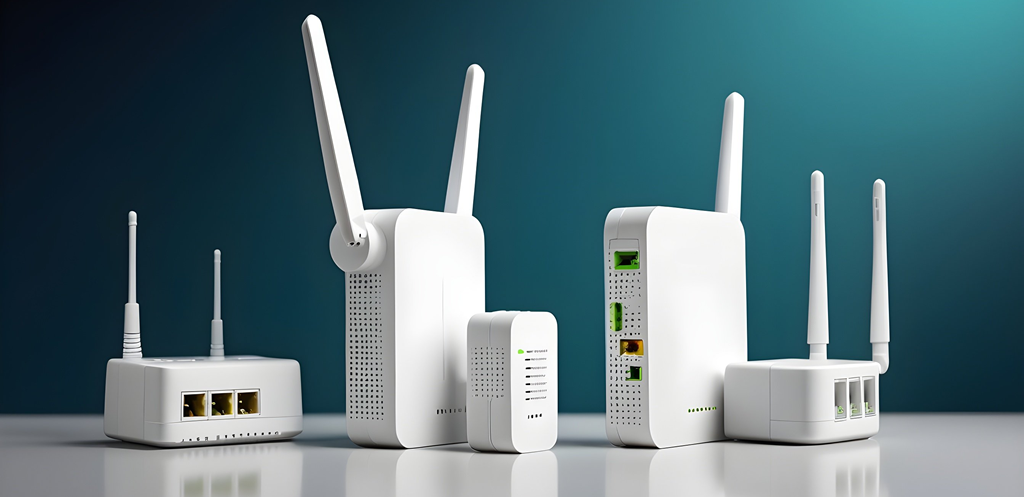
Enter Home WiFi Solutions, a beacon of hope for those seeking to escape the clutches of WiFi woes. With our array of innovative products and solutions, Home WiFi Solutions is dedicated to transforming your home network experience. From Powerline Adapters that extend coverage to Mesh WiFi Systems that banish dead zones and Wired Access Points that ensure stable connections, Home WiFi Solutions has the answer to your connectivity woes.
Join us as we delve into the top tips for enhancing your WiFi speed and performance, with Home WiFi Solutions leading the charge towards a seamlessly connected home environment.
Upgrade Your Equipment:
In the quest for improved WiFi performance, upgrading your equipment can make a world of difference. Here’s how three key solutions from Home WiFi Solutions can elevate your home network:
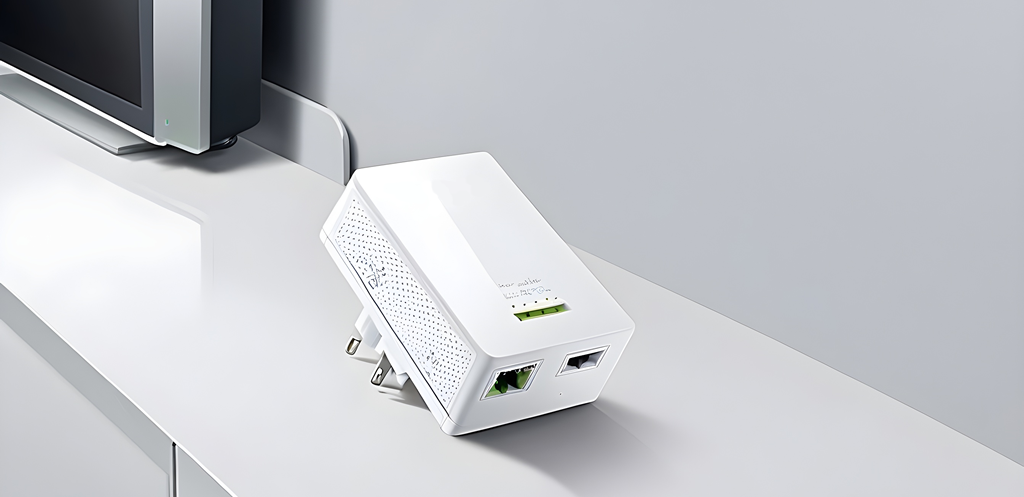
1. Powerline Adapters: Powerline Adapters offer a clever solution to extend WiFi coverage without the need for additional wiring or drilling holes in walls. By utilizing your home’s existing electrical wiring, these adapters transform power outlets into high-speed data connections. Simply plug one adapter into a power outlet near your router and another adapter into an outlet in the area with poor WiFi coverage. Through the electrical wiring, data signals are transmitted, effectively extending your WiFi network to previously unreachable areas of your home. This means no more dead zones in distant corners or upper floors, allowing you to enjoy seamless connectivity throughout your living space.
2. Mesh WiFi Systems: Say goodbye to dead zones and unreliable connections with Mesh WiFi Systems. Unlike traditional routers that rely on a single access point to provide coverage, mesh systems utilize multiple nodes strategically placed throughout your home. These nodes communicate with each other, creating a unified network that blankets your entire residence with strong and consistent WiFi signals. As you move from room to room, your devices seamlessly transition between nodes, ensuring uninterrupted connectivity. With Home WiFi Solutions’ Mesh Systems, you can bid farewell to frustrating drops in signal strength and enjoy smooth streaming, gaming and browsing from any corner of your home.
3. Wired Access Points: While WiFi is convenient, Wired Access Points remain essential for delivering superfast and stable connections, particularly for bandwidth-intensive activities. Wired Access Points, also known as Ethernet ports or LAN ports, provide direct wired connections to your network. This is ideal for devices that require high-speed and reliable connections, such as desktop computers, gaming consoles, or smart TVs. By connecting these devices directly to a wired access point, you can eliminate the potential for interference and latency associated with wireless connections. Home WiFi Solutions’ Wired Access Points ensure that even the most demanding tasks, like streaming 4K video or online gaming, are met with optimal performance and minimal lag.
With Powerline Adapters, Mesh WiFi Systems and Wired Access Points from Home WiFi Solutions, you can revolutionize your home network and experience the full potential of fast and reliable WiFi connectivity.
Optimize Router Placement:
The placement of your router plays a crucial role in determining the reach and reliability of your WiFi signal. Follow these tips to ensure optimal router placement for maximum coverage and performance:
1. Position the router centrally for better coverage: Place your router in a central location within your home to ensure that its WiFi signals can reach every corner with minimal obstruction. By positioning the router centrally, you can distribute the signal more evenly throughout your living space, reducing the likelihood of dead zones in distant rooms or areas.
2. Keep the router away from obstructions and interference sources: Avoid placing the router near obstructions or interference sources that can degrade its signal strength. Common culprits include microwave ovens, cordless phones, metal objects, and large appliances. These devices can interfere with the WiFi signal and lead to slower speeds or dropped connections. Keep your router away from such obstructions to maintain optimal performance.
3. Elevate the router to reduce signal blockage: Elevating the router can help minimize signal blockage from furniture, walls and other obstacles. Place the router on a high shelf or mount it on the wall to ensure that its signals can propagate freely throughout your home. By raising the router above ground level, you can mitigate signal attenuation caused by physical barriers and improve the overall reach of your WiFi network.
By following these simple guidelines for router placement, you can enhance the coverage and performance of your WiFi network, ensuring a seamless and reliable connectivity experience for all your devices.
Reduce Interference:
WiFi performance can be significantly impacted by interference from other devices operating on the same frequency range. Here’s how you can minimize interference and optimize your WiFi connection:
1. Minimize the number of devices competing for the same frequency range: Many household devices, such as cordless phones, microwave ovens and wireless cameras, operate on the same 2.4 GHz frequency band as WiFi routers. This can lead to overcrowding and interference, resulting in decreased WiFi speeds and reliability. To mitigate this issue, limit the number of devices operating on the 2.4 GHz band and prioritize the use of the less congested 5 GHz band whenever possible.
2. Keep electronics like Bluetooth speakers and baby monitors away from the router: Bluetooth devices and baby monitors can also cause interference with your WiFi signal, especially if they are placed in close proximity to your router. To minimize interference, keep these devices away from your router and other WiFi-enabled devices. Additionally, consider using Bluetooth devices that support frequency-hopping spread spectrum (FHSS) technology, which can reduce the likelihood of interference with WiFi signals.
3. Consider upgrading older devices that may cause interference: Older WiFi-enabled devices may not support the latest technologies for mitigating interference, leading to decreased performance for all devices on the network. If possible, consider upgrading older devices to newer models that support features like beamforming and MU-MIMO (multi-user, multiple-input, multiple-output) technology. These advancements can help reduce interference and improve overall WiFi performance in your home.
By minimizing interference from other devices and upgrading to newer, interference-resistant technology, you can optimize your WiFi connection for faster speeds and more reliable performance, ensuring a seamless online experience for all your devices.
Regular Maintenance:
Maintaining your WiFi network is essential for ensuring optimal performance and reliability. Here are some key maintenance tasks to keep your network running smoothly:
1. Restart the router periodically to clear memory and improve performance: Just like any other electronic device, routers can benefit from a periodic reboot. Restarting the router clears its memory, flushes out temporary data, and can help resolve minor issues that may be affecting performance. Schedule regular restarts, such as once a week or bi-weekly, to keep your router operating at its best.
2. Check for firmware updates and install them promptly: Firmware updates contain important bug fixes, security patches, and performance enhancements that can improve the stability and functionality of your router. Check for updates regularly through the router’s web interface or mobile app, and install them as soon as they become available. Keeping your router’s firmware up to date is crucial for maintaining a secure and efficient network.
3. Monitor network traffic and address any issues promptly: Keep an eye on your network traffic to identify any unusual activity or performance issues. Use network monitoring tools or apps to track data usage, monitor connection speeds, and detect any unauthorized devices connected to your network. Address any issues promptly, such as resolving network congestion, troubleshooting connectivity problems, or upgrading your internet plan if necessary.
By performing regular maintenance tasks like restarting your router, updating firmware and monitoring network traffic, you can ensure that your WiFi network remains stable, secure, and efficient over time. Regular maintenance will help minimize downtime, prevent performance degradation, and provide you with a reliable internet connection for all your online activities.
Conclusion:
In today’s digitally-driven world, fast and reliable WiFi is not just a luxury but a necessity for modern living. From streaming entertainment to remote work and online learning, our reliance on a strong internet connection continues to grow. Fortunately, with the right tools and strategies, achieving optimal WiFi performance in your home is within reach.
By implementing the top tips discussed in this article, you can take proactive steps to enhance your WiFi speed and performance. From upgrading your equipment to optimizing router placement and minimizing interference, each tip plays a crucial role in maximizing the capabilities of your home network.
At Home WiFi Solutions, we understand the importance of a seamless and reliable internet connection. That’s why we offer a range of innovative products designed to address common WiFi challenges and elevate your home network experience. Whether it’s extending coverage with Powerline Adapters, eliminating dead zones with Mesh WiFi Systems or ensuring fast and stable connections with Wired Access Points, Home WiFi Solutions has the right solution for you.
By investing in Home WiFi Solutions’ products and following the expert tips provided in this article, you can transform your home network into a powerhouse of connectivity. Say goodbye to frustratingly slow speeds, dead zones and unreliable connections and hello to a seamlessly connected home where every device performs at its best.
Experience the difference with Home WiFi Solutions and enjoy a faster, more reliable, and hassle-free internet experience in your home. Get started today and unlock the full potential of your WiFi network!